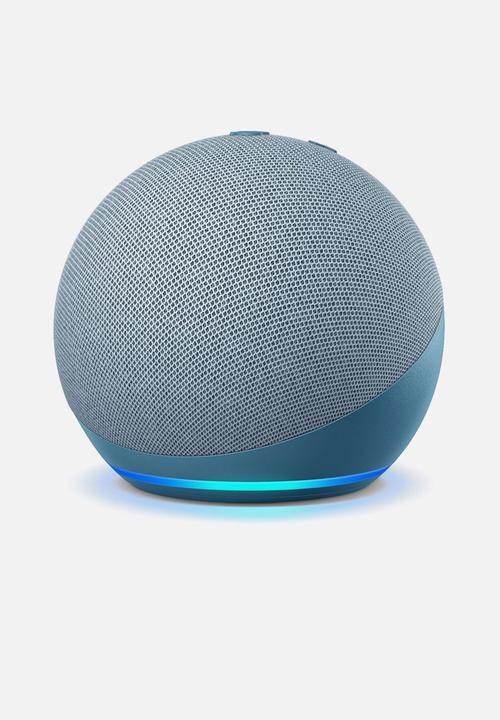
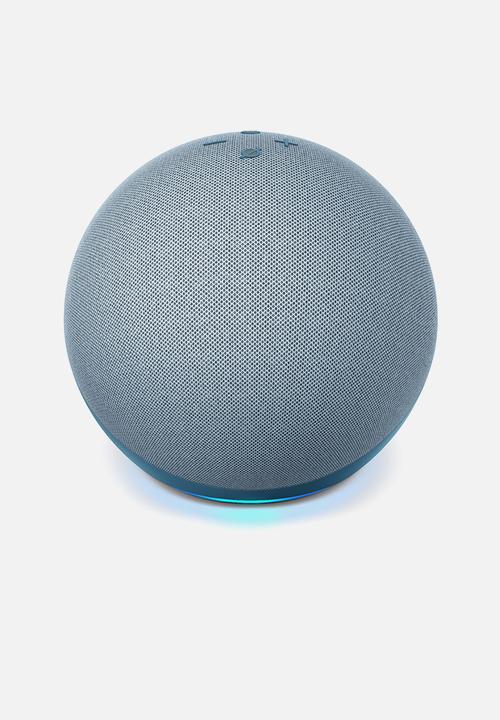
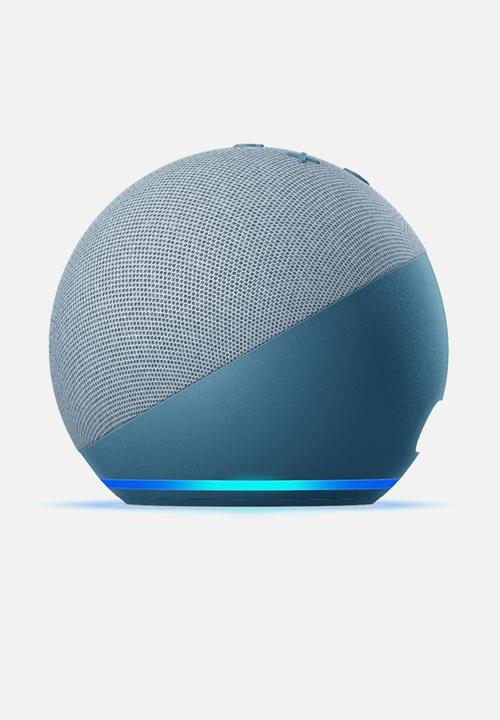


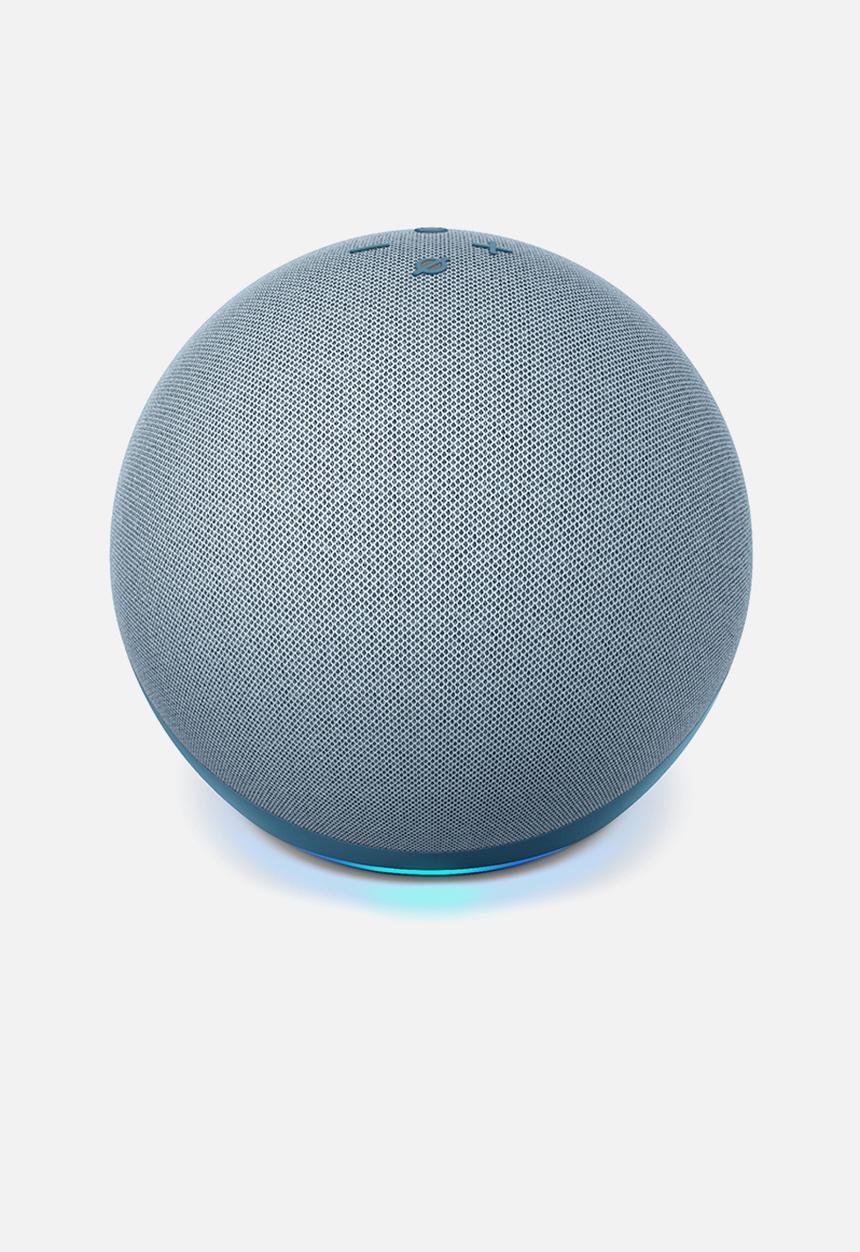
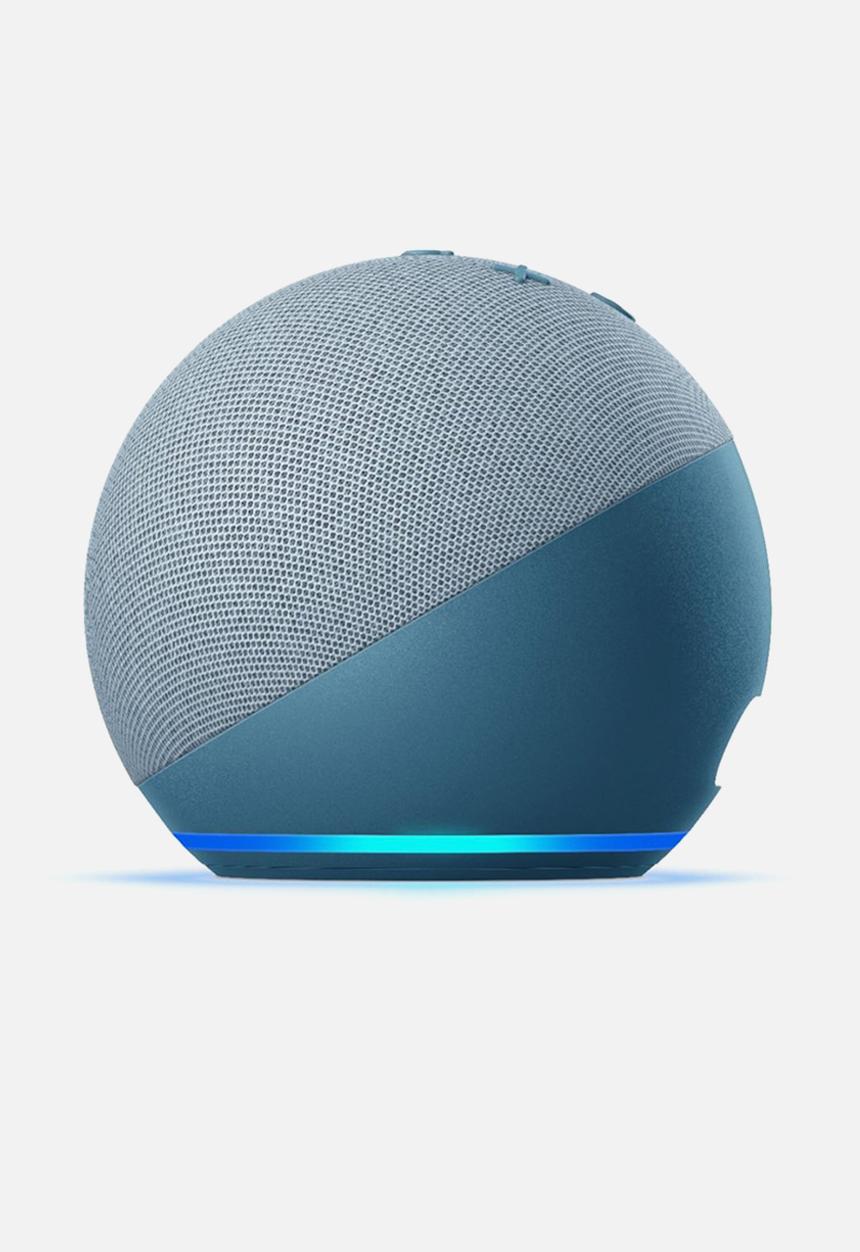

Amazon Echo Dot 4th Generation Smart Speaker - Twilight
AmazonProduct details
- Amazon Echo Dot Gen4 - The latest smart speaker from Amazon
- Meet the all-new Echo Dot - Our most popular smart speaker with Alexa.
- The sleek, compact design delivers crisp vocals and balanced bass for full sound.
- Voice control your entertainment - Stream songs from Amazon Music, Apple Music, Spotify, SiriusXM, and others.
- Play music, audiobooks, and podcasts throughout your home with multi-room music.
- Ready to help - Ask Alexa to tell a joke, play music, answer questions, play the news, check the weather, set alarms, and more.
- Control your smart home - Use your voice to turn on lights, adjust thermostats, and lock doors with compatible devices.
- Connect with others - Call almost anyone hands-free.
- Instantly drop in on other rooms or announce to the whole house that dinner's ready.
- Designed to protect your privacy - Built with multiple layers of privacy protections and controls, including a microphone off button that electronically disconnects the microphones.
Guide to make the Amazon Echo usable in South Africa
Installing the Alexa App in South Africa On Android
Another alternative available to Android users would be to download the files outside the Play Store from a site such as APKmonk, but sites like this have a bad rep for piracy so we don’t feel comfortable linking directly to their site. Don’t worry though, as Amazon Alexa is free and as such, there is no real problem downloading the app from sites like APKPure. If you do want to download it this way simply search for it on the site, check if the website guarantees its safe to use then download it onto your phone. Go to your phone downloads and run it and it should work out fine.
Changing the Timezone to work in South African Standard Time
Since the Echo is officially only supported in the US, naturally, it only accepts timezones and locations that are inside the US or in other areas where Amazon products are supported. If you want to use the speaker smart home device outside the US, you can go to the menu on the top left in the app, go to settings, look for your device with your name, (it should be near the top) and change the device location to your house. If this doesn’t work you can try changing your address to a European one on your Amazon account. Try a country that has central European time +1 like Germany. You can use it without changing the timezone, but with the caveat that you will have to ask “Alexa, what is the time/weather in Cape Town, (Joburg, Durban or whatever location you live in) ?”, and your alarms and reminders will not go off on time, because of the incorrect timezone.
iOS devices that require the Amazon Alexa app:
1. Sign out of your current Apple ID via Settings
2. Open your App Store
3. Tap the account icon (top right corner)
4. Create new Apple ID
5. Select region as US
6. Change contact number to US
7. Download “TextNow” app
8. Sign up and select US location & number
9. Verify mobile number via phone call (NB) not text
10. Enter verification code for mobile number
11. Enter verification code for email (emailed to your apple ID email address)
12. Open the App Store
13. Search for Amazon Alexa app
14. Download the Amazon Alexa app
15. Create Amazon Alexa account
16. Sign in.
17. Voila
Colour
Twilight
Brand
Amazon
Material
Plastic
R1999